
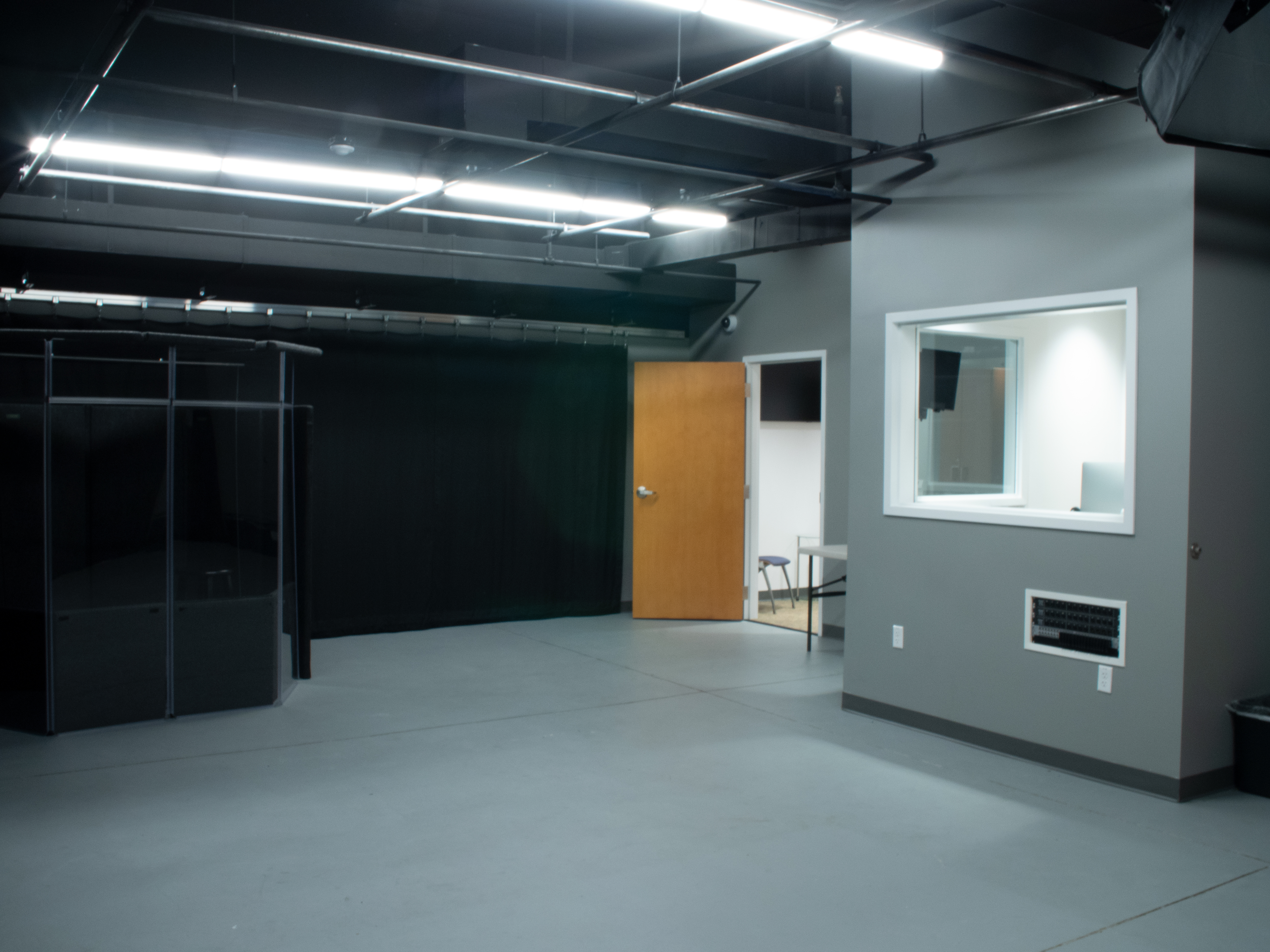
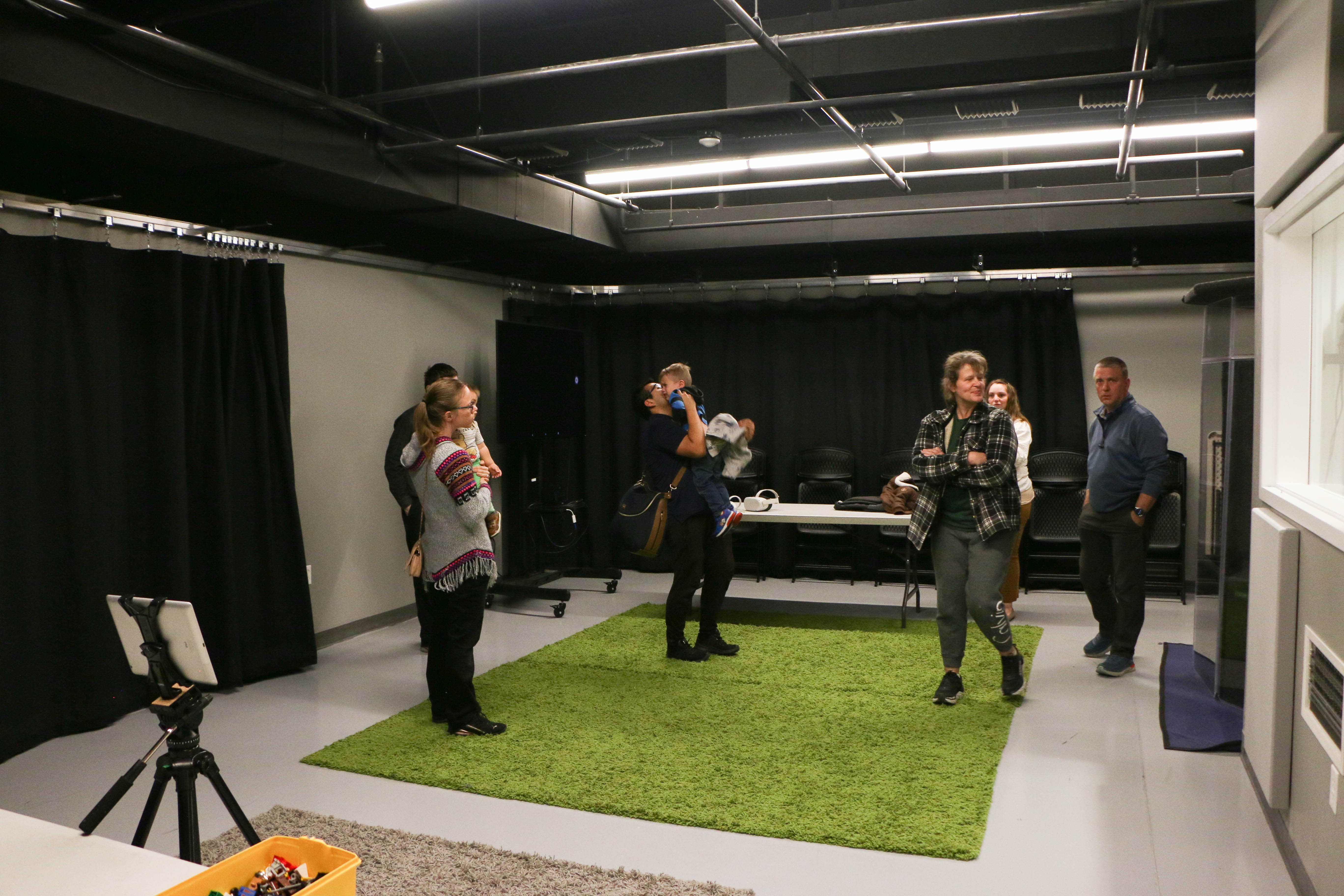
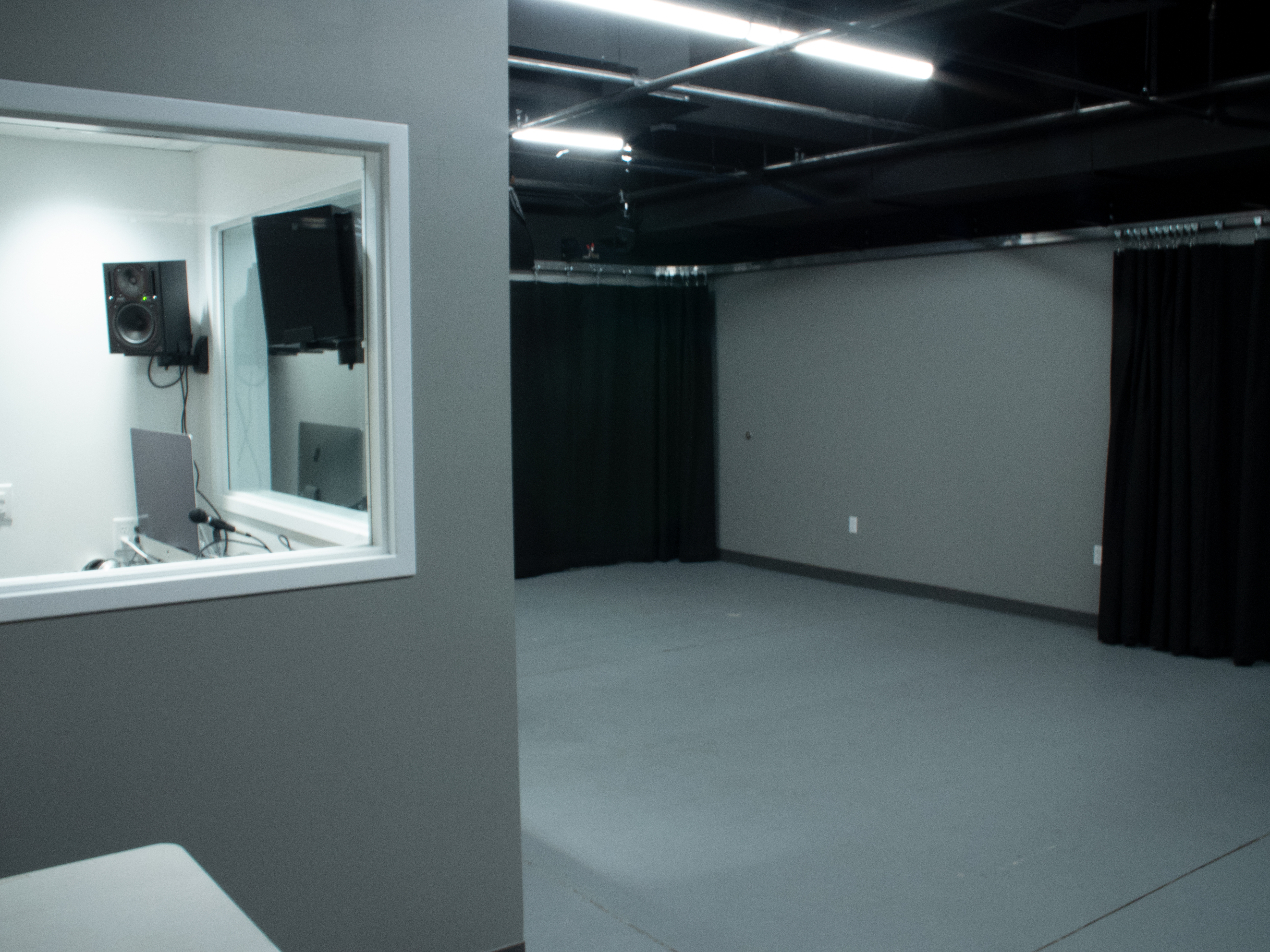
The Basement Creative Lab is Provo City Library's audiovisual production space. Find us in the west basement tunnel just inside the Academy entrance from the parking garage.
GETTING STARTED
Maybe you're making a podcast or recording an audiobook; maybe you're hoping to be the next YouTube sensation. If you're interested in using the Basement Creative Lab for your next project, here's what you need to know.
Users must have a Provo City Library card in good standing.
All users must attend the in-person "Intro to Studio Production" class prior to making their first reservation. There is no online variant.
Users must complete and sign a Basement Creative Lab User Agreement.
WHERE TO FIND US
The Basement Creative Lab is located in the west tunnel of our underground structure. The easiest way to find us is to park underground near the Academy Entrance and then enter the building. There is a large mural surrounding the doorway that makes us hard to miss.
If you're entering from another part of the library, go to the second floor of the Academy Wing and take the west elevator down to the parking level. The Basement Creative Lab is at the end of the hallway.
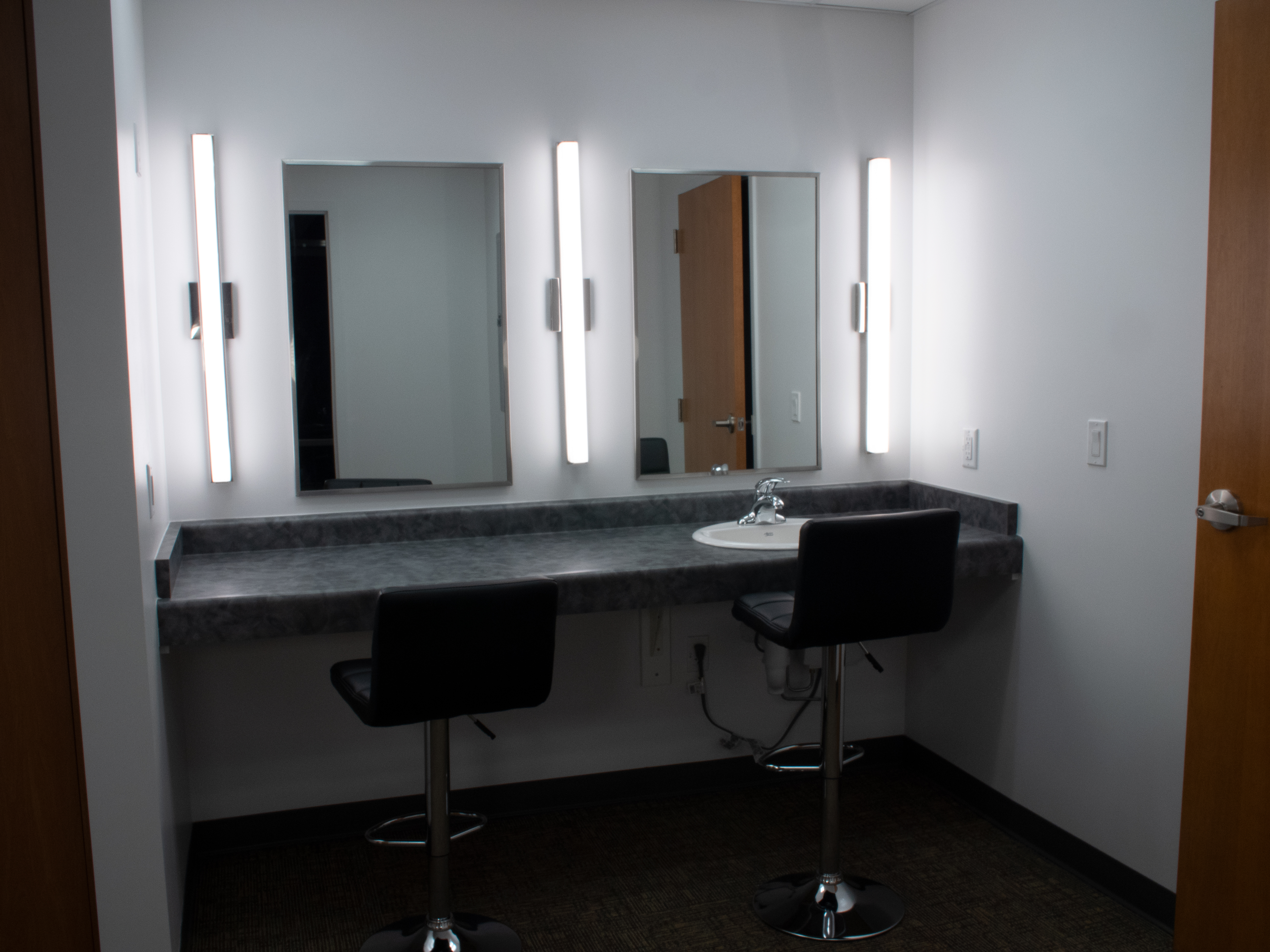
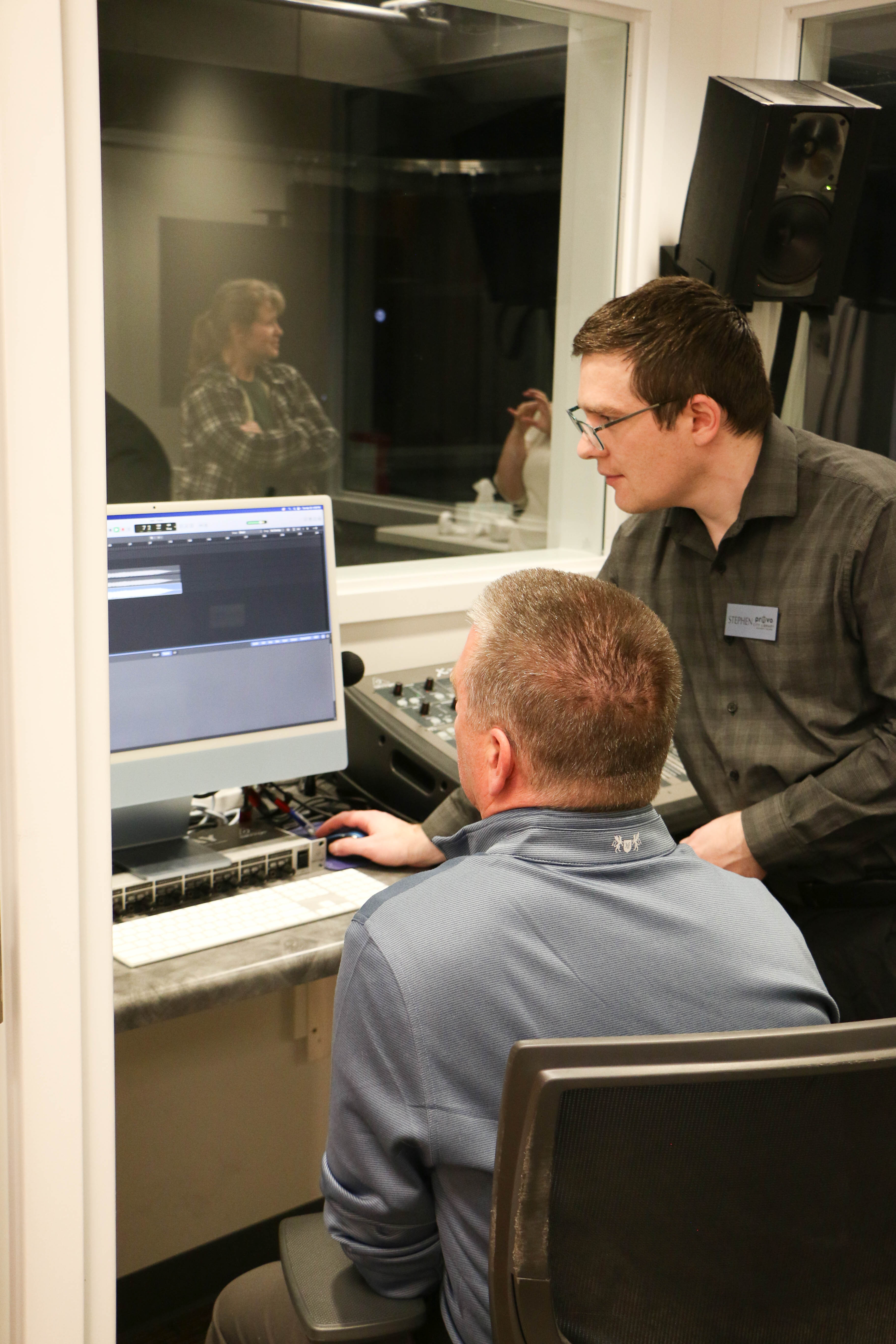
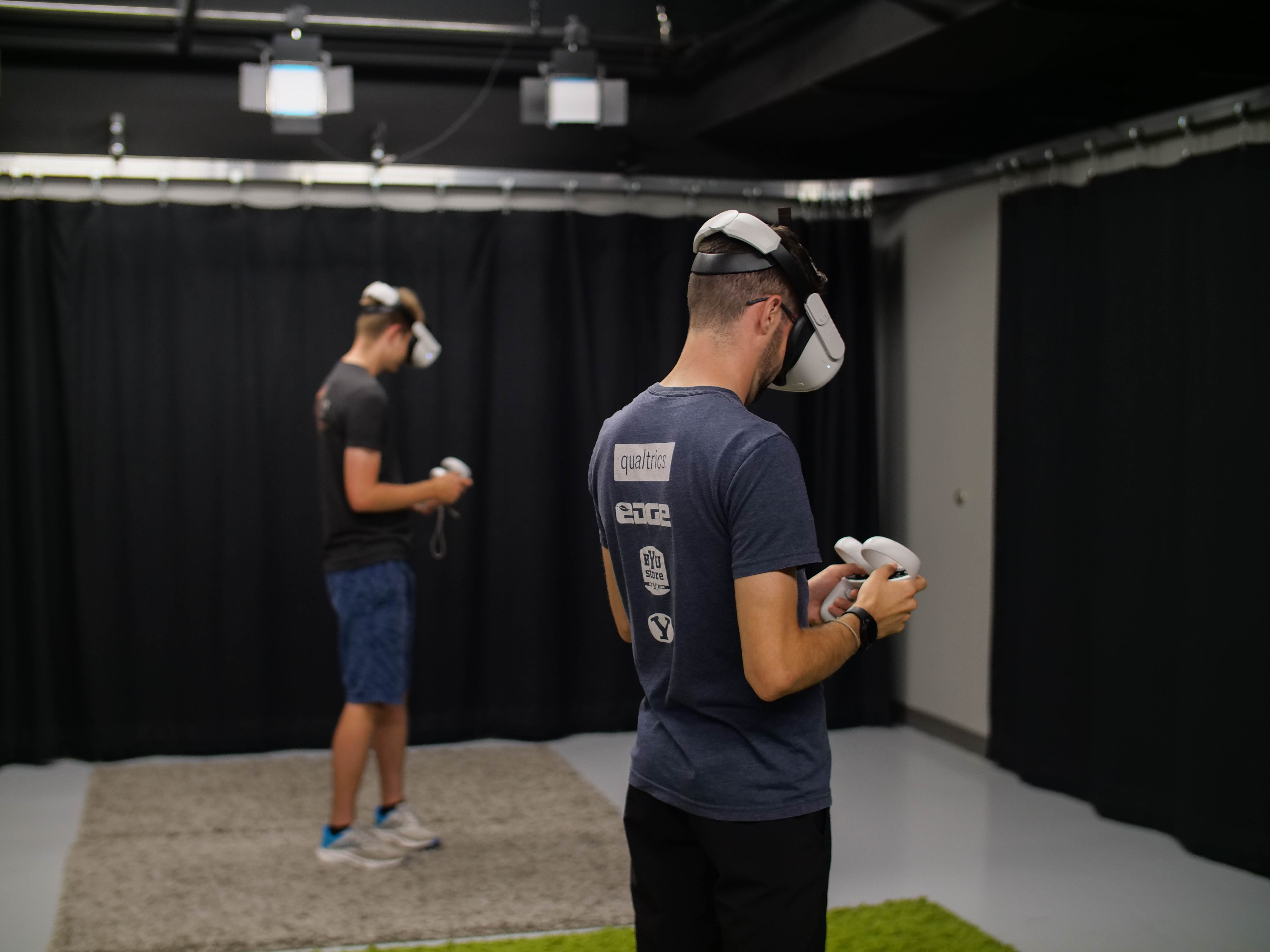


UPCOMING CLASSES
REQUESTING STUDIO TIME
To request studio time, complete the following steps:
- Go to our room reservations page and select "The Basement Creative Lab" in the drop-down menu.
- Choose the date for your requested reservation from the calendar on the left.
- Select a time range under the heading Basement Creative Lab.
- Select which lab equipment/resources you want to use.
- Hit the "Reserve Now" button and follow the steps to provide your contact and other relevant information. Please make sure that the email you provide is one you check regularly.
- You should receive two emails: an email confirming the request has been submitted, and an approval/denial email. If you don't receive both, then reach out to the Lab.
Be aware of the following:
- All requests must be made at least seven days in advance.
- Individual users or user groups are entitled to 8 hours of studio time per month. This could be one eight-hour session or multiple shorter sessions.
- If you are more than 15 minutes late, your reservation may be canceled. Please call/email us at the Creative Lab if you will not be able to keep your scheduled time. If you no call/no show, the time you scheduled will be counted as part of your monthly allotment.
USING AN EDITING STATION
Editing stations are equipped with Adobe Creative Cloud, DaVinci Resolve, Final Cut Pro X, and more specialized programs.
Media stations are located in the first floor of the Rogers Wing alongside our public computers.
To reserve an editing station, complete the following steps:
- Go to our room reservations page and select "Media Stations" in the drop-down menu.
- Choose the date for your requested reservation from the calendar on the left.
- Select a time range under one of the headings for "Multimedia Editing Station."
- Individual users or user groups are entitled to 4 hours of reserved time per day.
- If you are more than 15 minutes late, your reservation may be canceled.
MEDIA PRODUCTION EQUIPMENT
The Library has a small collection of production equipment to record projects outside of the library. Please note that while these items are featured on the same page as the Creative Lab, the Lab DOES NOT circulate or handle the equipment. These are done through the Circulation Desk, and all inquiries will be redirected to them.
- Users must have a Provo City Library card in good standing.
- All circulating equipment checks out for one week; late fees are $10 per day. Equipment may be checked out and returned at the Circulation Help Desk.
- View a schedule and reserve equipment
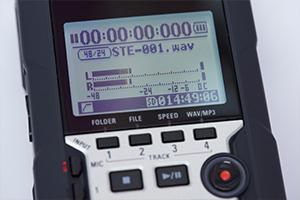
ZOOM RECORDER KIT
This kit includes a Zoom H4N recorder, one microphone and windscreen, and all the necessary cables and adapters to get you going.
CONTACT US
Please keep in mind that email is the fastest and most effective way to reach us.
- basementcreativelab@provolibrary.gov
- 801-852-6655